Menu Settings
Menu Permissions
Menu permissions control which user groups can see specific menu items. Visibility is managed through policy sets - predefined groups of authorized users. Each menu item can be assigned one or more policy sets to determine who is allowed to see it.
WARNING
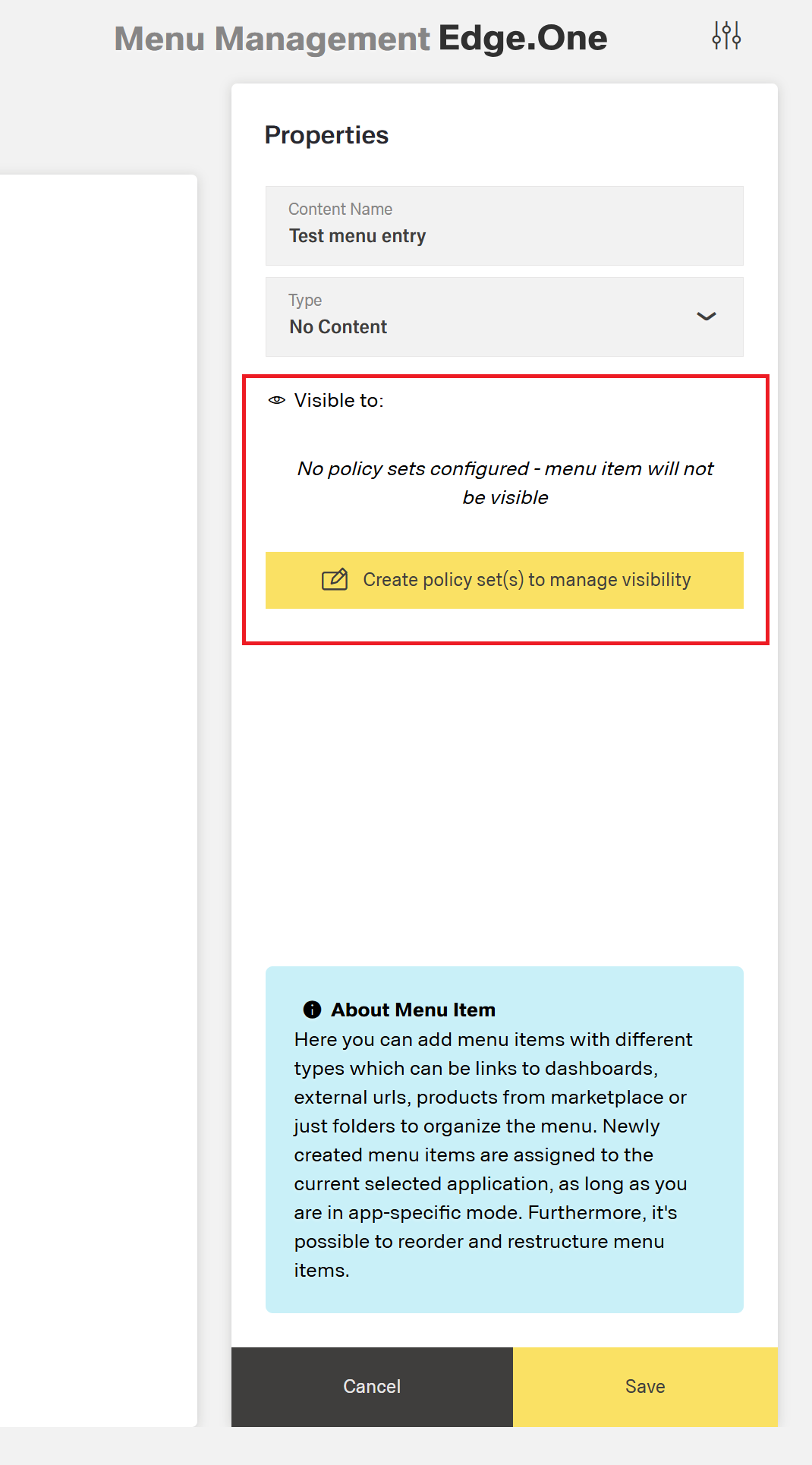
If no policy set is assigned to a menu item, the item will not be visible to anyone.
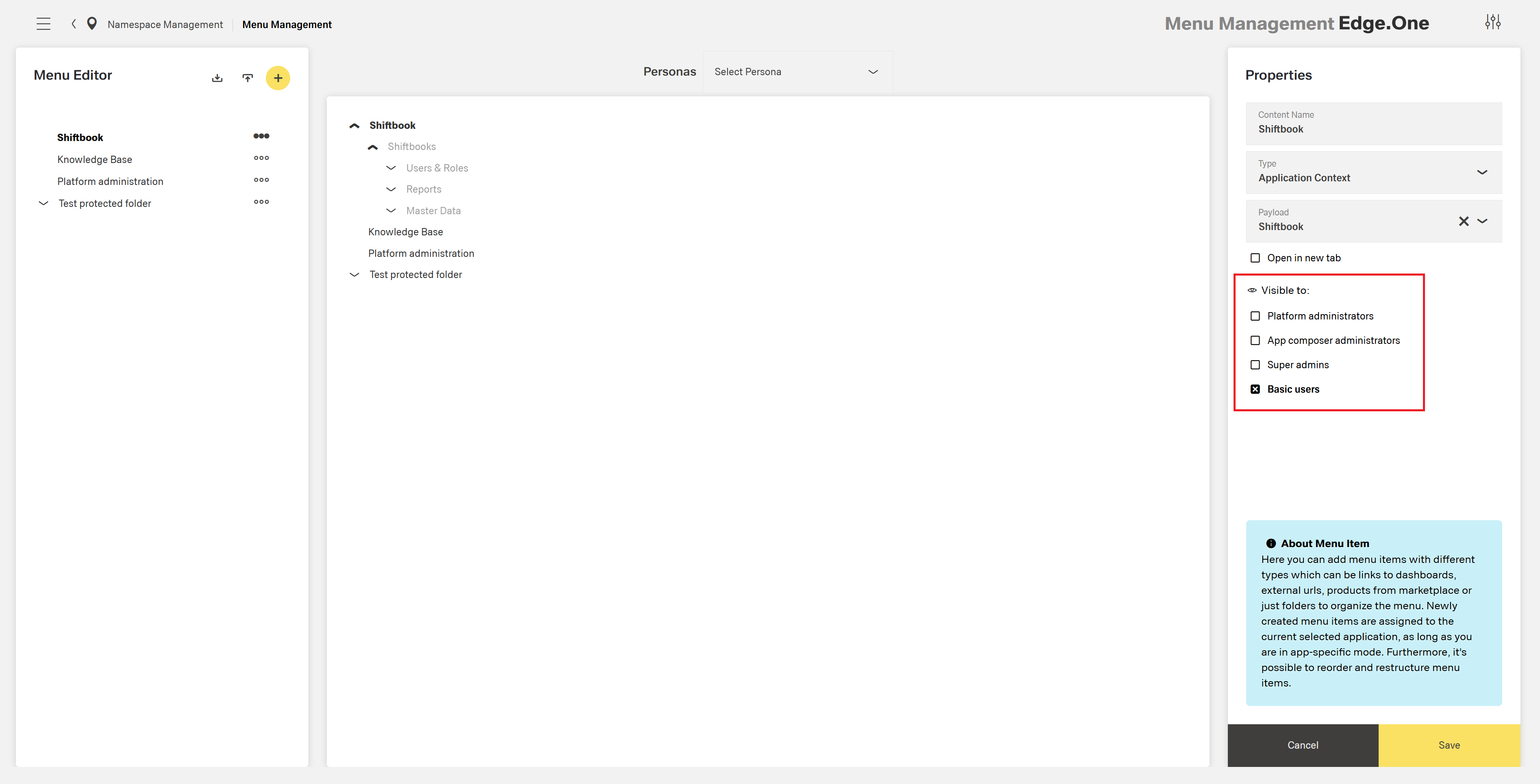
Configuring Policy Sets
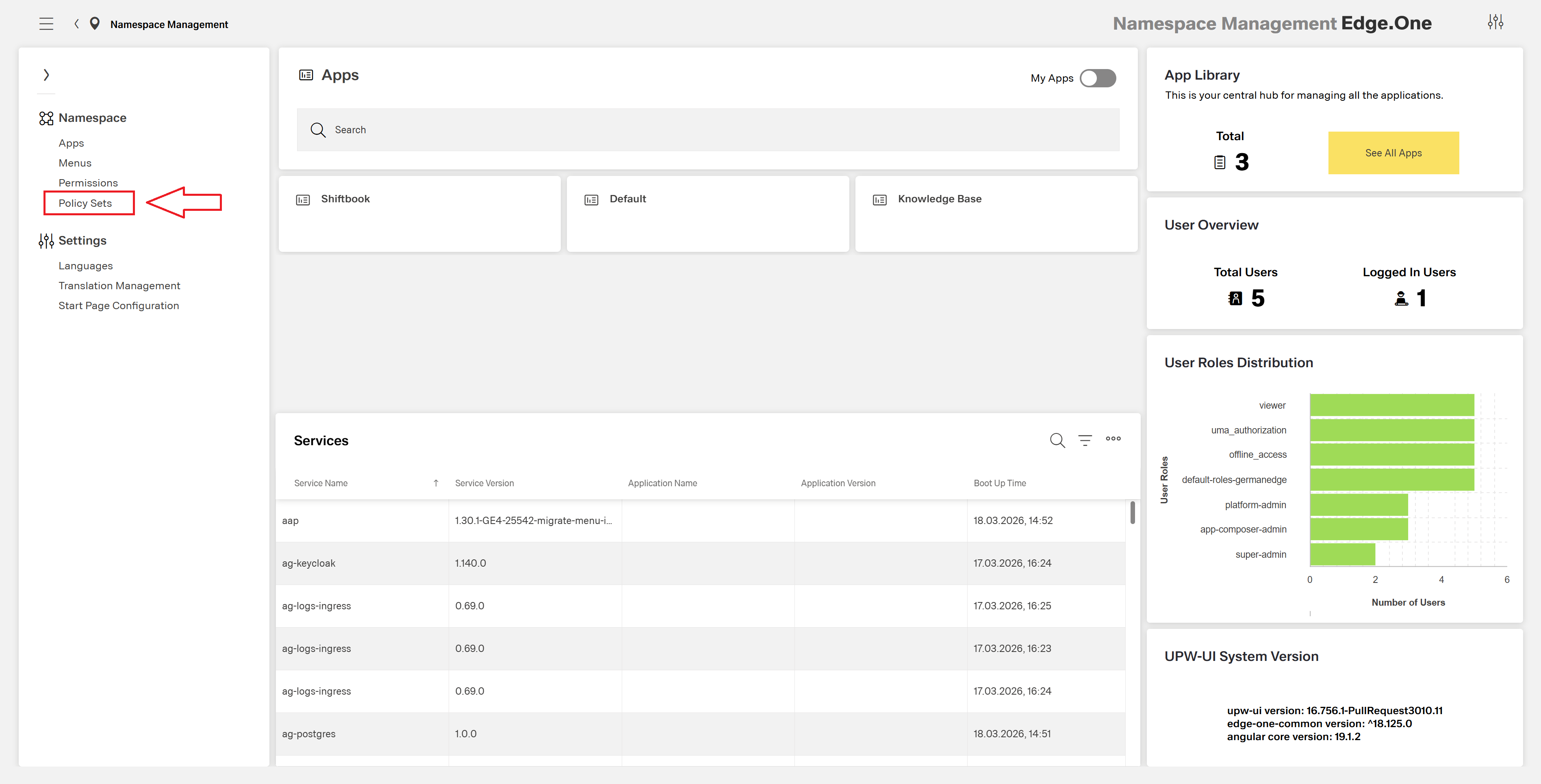
Policy sets used for menu permissions can be managed in two places:
- Namespace Management - when configuring the namespace menu, policy sets can be created and assigned to menu items.
- Application Composer - when configuring a specific application menu, policy sets can be managed directly within the application.
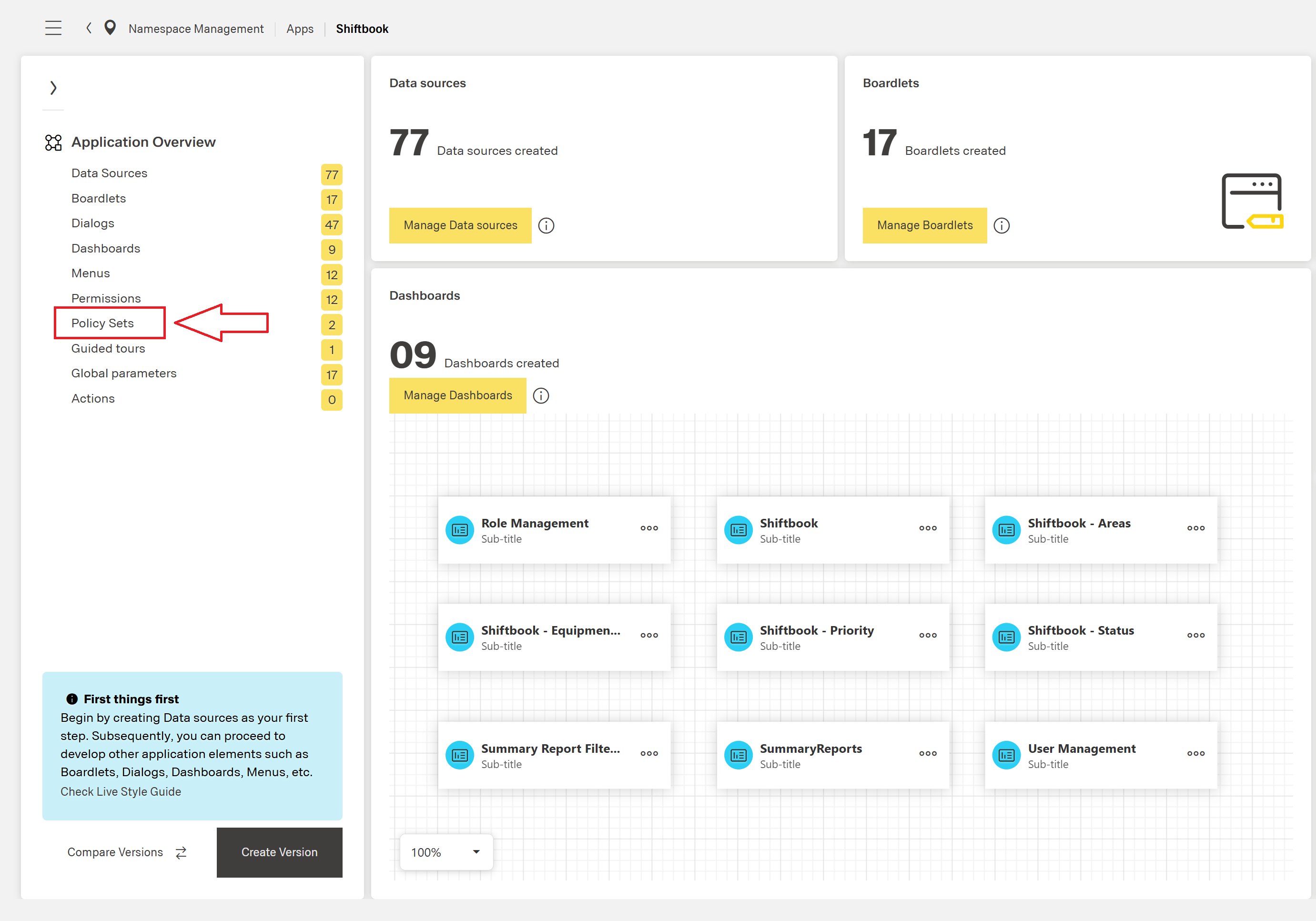
If no policy sets have been configured in the namespace (for namespace menus) or in the application (for application menus), a corresponding empty state view is displayed.
Permissions View
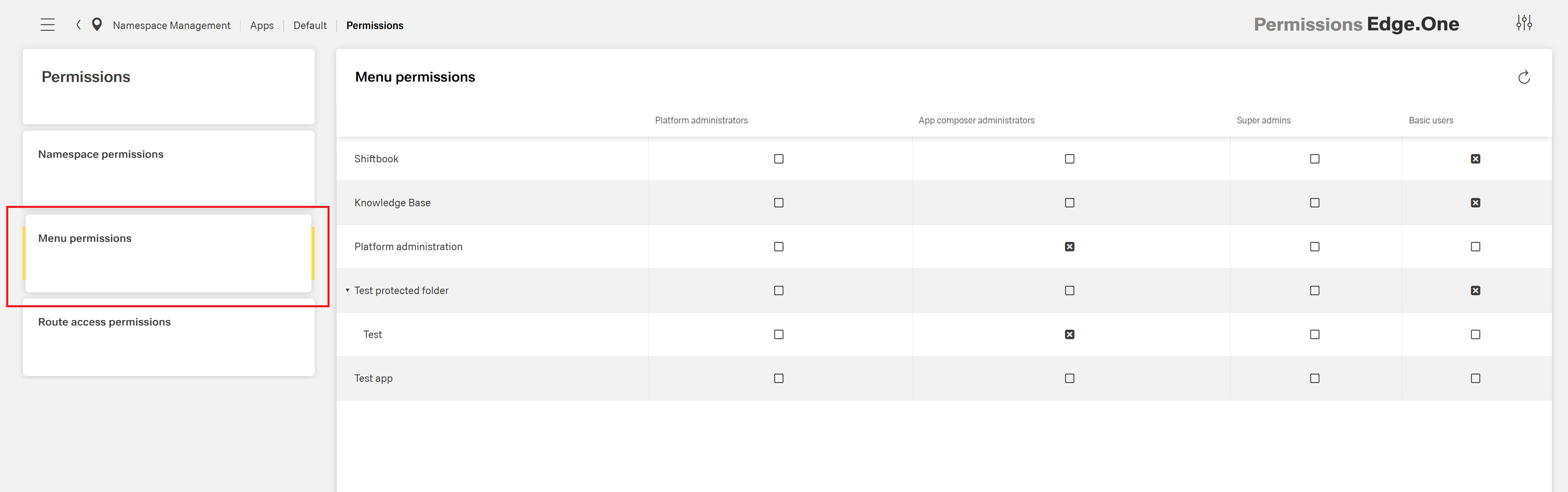
Menu visibility can also be managed from the Permissions view, which provides a comprehensive overview of all menu items and their assigned policy sets.
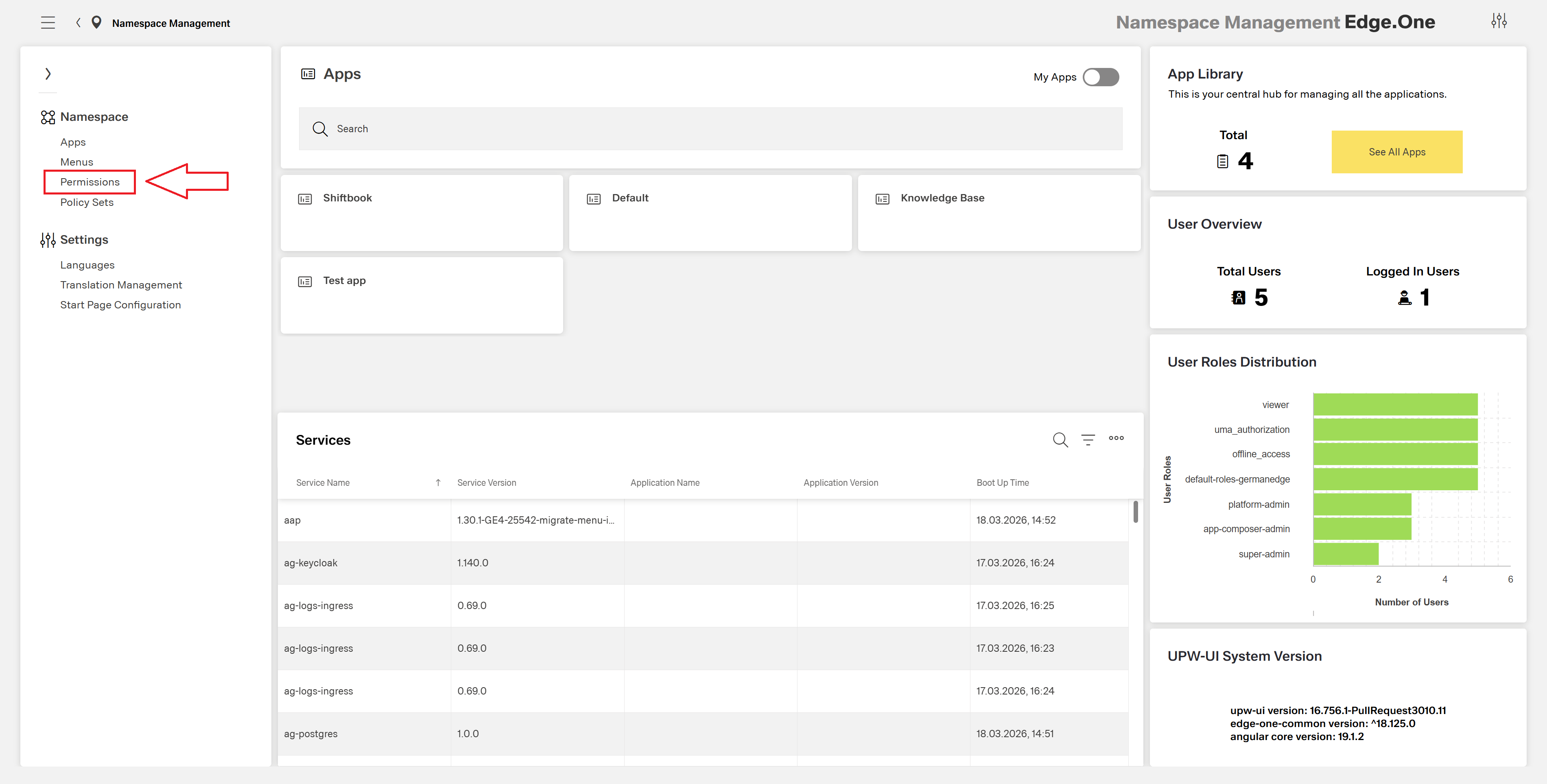
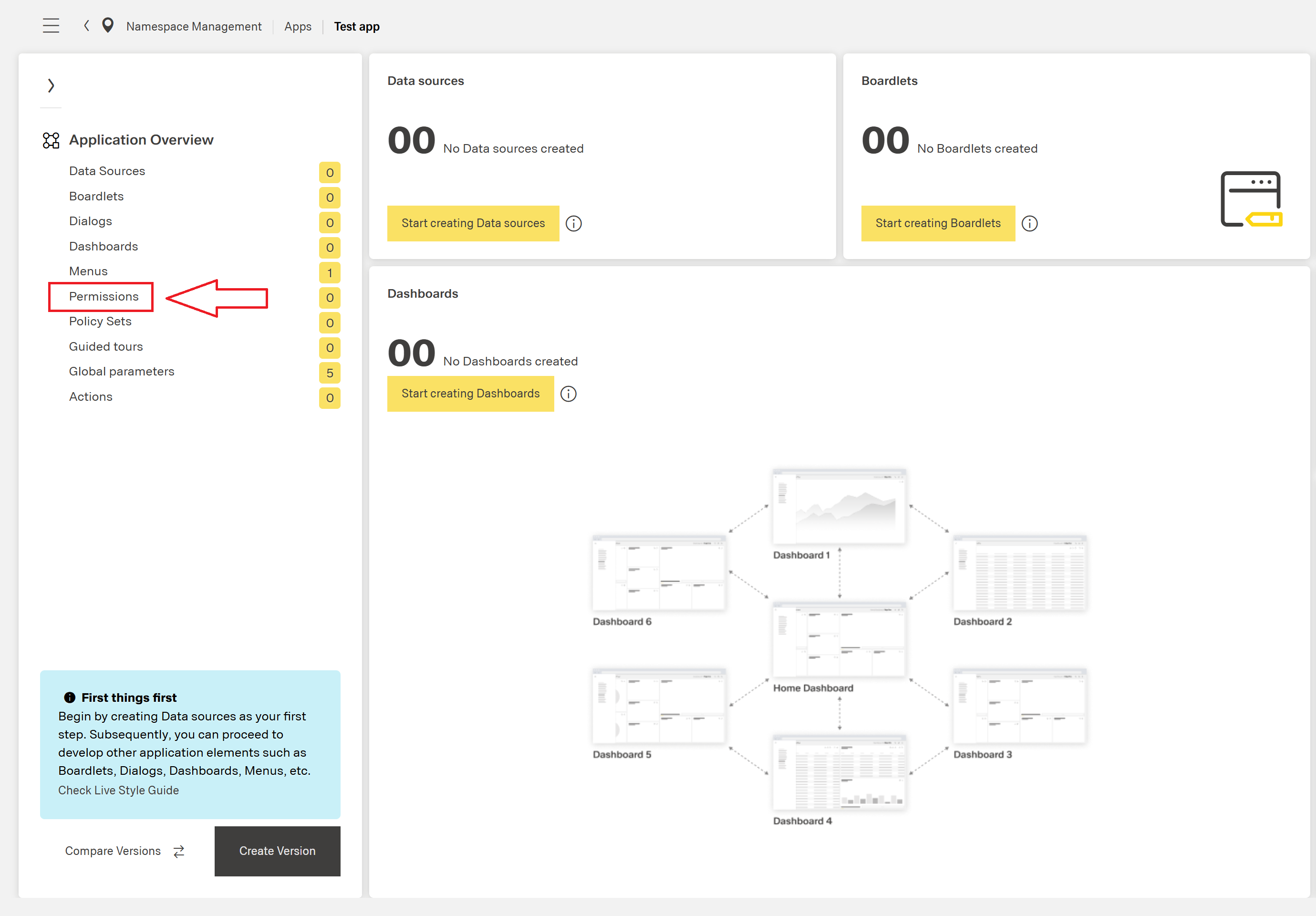
The Permissions view is accessible from:
- Namespace Management - for managing namespace menu permissions.
- Application Composer - for managing application menu permissions.
The Permissions view displays a table where rows represent menu entries and columns represent the configured policy sets. This layout allows for quick and efficient management of visibility permissions across all menu items at once.